
Steps
Connect Origami to the Hypertext Conference Space.
An Origami Space.
A Future of Text Space.
Use Case
Customer Journey in Origami Mac Desktop:
A conference user opens a paper in Origami, connects to the server, and annotates it.
Origami user doesn't already have the HT26 papers downloaded on their device.
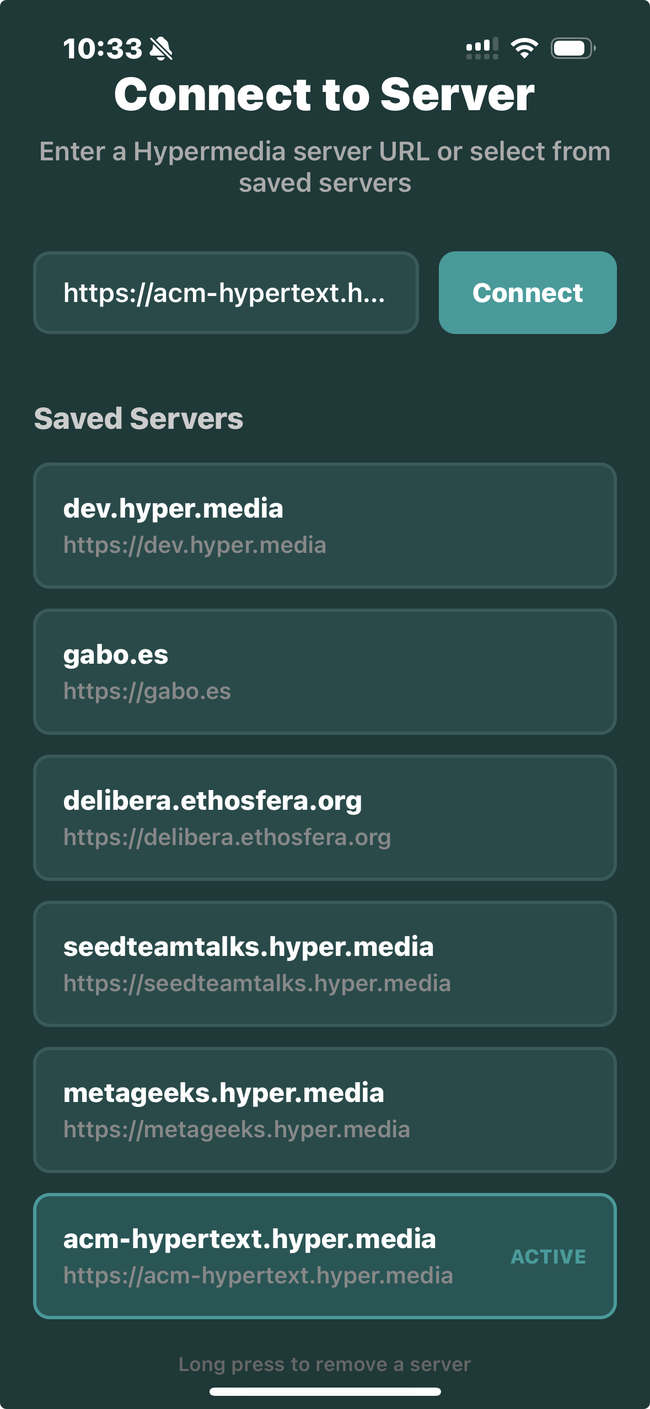
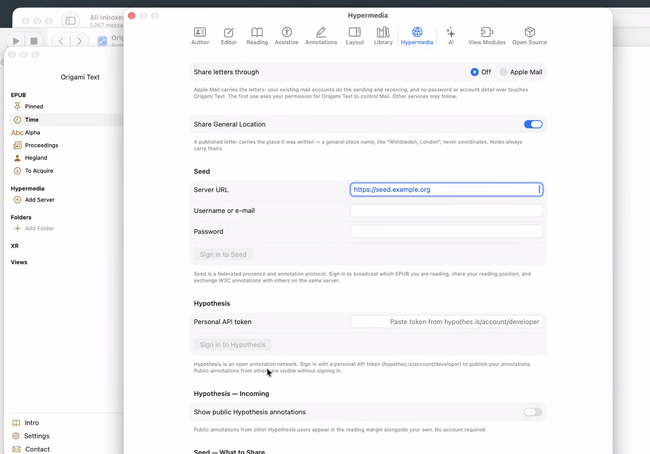
Origami users open the Connect to Server Tab in Settings. Understand that Hypermedia is a Federated Network.
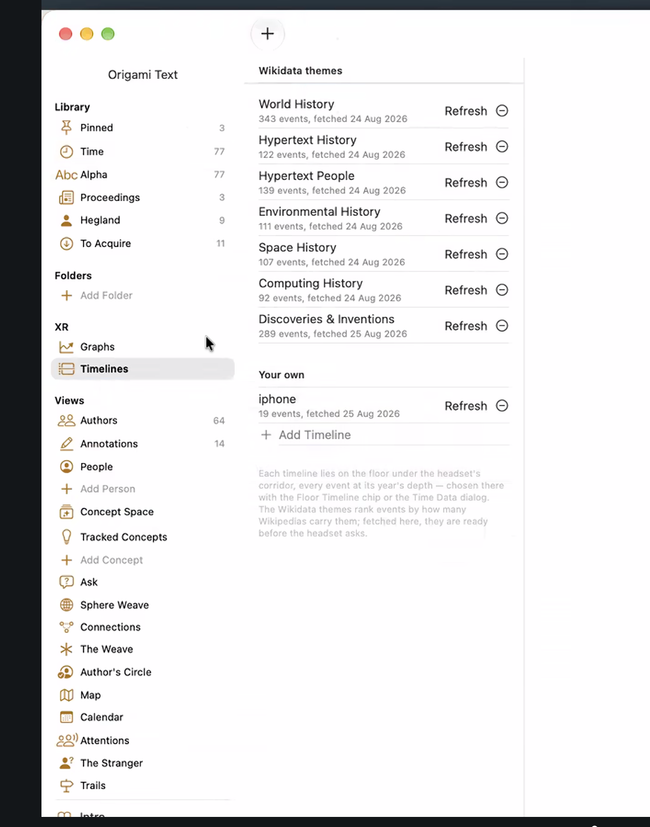
You can also add a Space/Sever from the Folders section in Origami:
Origami Identity
Origami App creates a local key on the user's device.
Seed and Origami users, AKA MRW, will be able to import/export keys to share the same identity across the two apps.
The user opens a document that loads from the ACM Hypertext Server.
Task.
Create a comment
Task
The user can export everything to EPUB.
Questions
What is the difference between a note and a comment?
A note is a comment. Notes don't exist in Origami.
Comments can be for the whole document or inline.
An annotation is any element that the user links to in a document.
Origami Format: hypermedia protocol.
Metadata
@misc{ot3f9a2c81d4,  author = {Janet H. Walker},
title = {Document Examiner…},
quote = {the words that were actually cited},
doi = {10.1145/317426.317448},
% the WORK — format-independent identity
vm-id = {abc123#p7},
  % kept as-is (back-compat, OT-to-OT)
vm-source-epub = {abc123#p7},
vm-source-seed = {hm://z6Mk…/paper#b4tK2},
vm-source-pdf = {10.1145/317426.317448 page=4},
vm-source-web = {https://dl.acm.org/doi/10.1145/317426.317448%7D, }
Origami App transforms
Origami EPUB format <-> Hypermedia (Onyx) Schema
Do you like what you are reading? Subscribe to receive updates.
Unsubscribe anytime